In progress · two pilot lessons availableEmbedded Linux,
Embedded Linux,
from the ground up.
Embedded Linux from the ground up: boot chain, kernel, device tree, Buildroot and Yocto.
Ubuntu in a VM or WSL2 is enough to start. Board requirements vary by module.
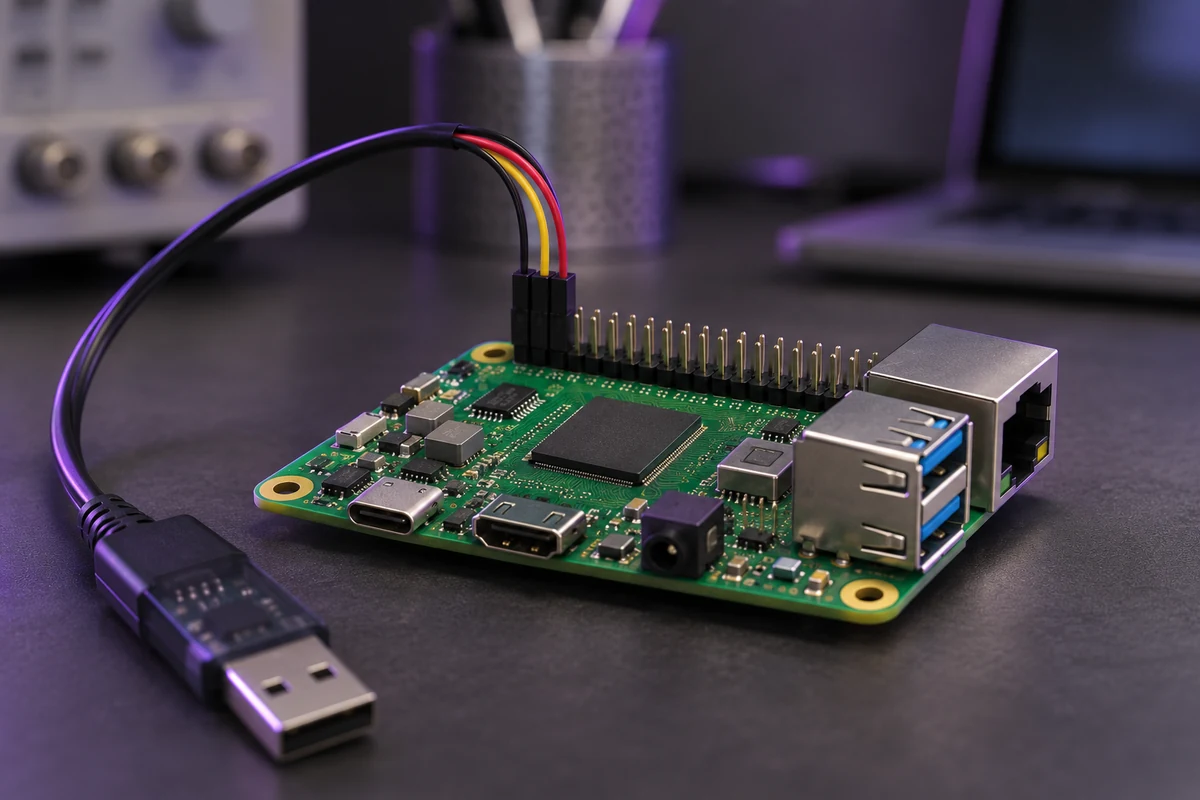
What you’ll learn to build
- Follow the boot chain from ROM to U-Boot to the kernel
- Build and customise a kernel and write device tree
- Create a root filesystem with Buildroot or Yocto
- Bring up drivers and cross-compile applications
From reset to application
Follow the core, then specialise
M0C for SystemsPlanned · outline publishedM1Linux Administration & Shell ScriptingPilot lesson availableM22Python for Embedded Tooling & AutomationPlanned · outline publishedM2Linux System ProgrammingPilot lesson availableM8Modern C++ for Systems & EmbeddedPlanned · outline publishedM4Embedded Linux Customisation & ToolsPlanned · outline publishedM5Linux Device DriversPlanned · outline publishedM6Embedded Application LayersPlanned · outline published
Continue into Product & BSP